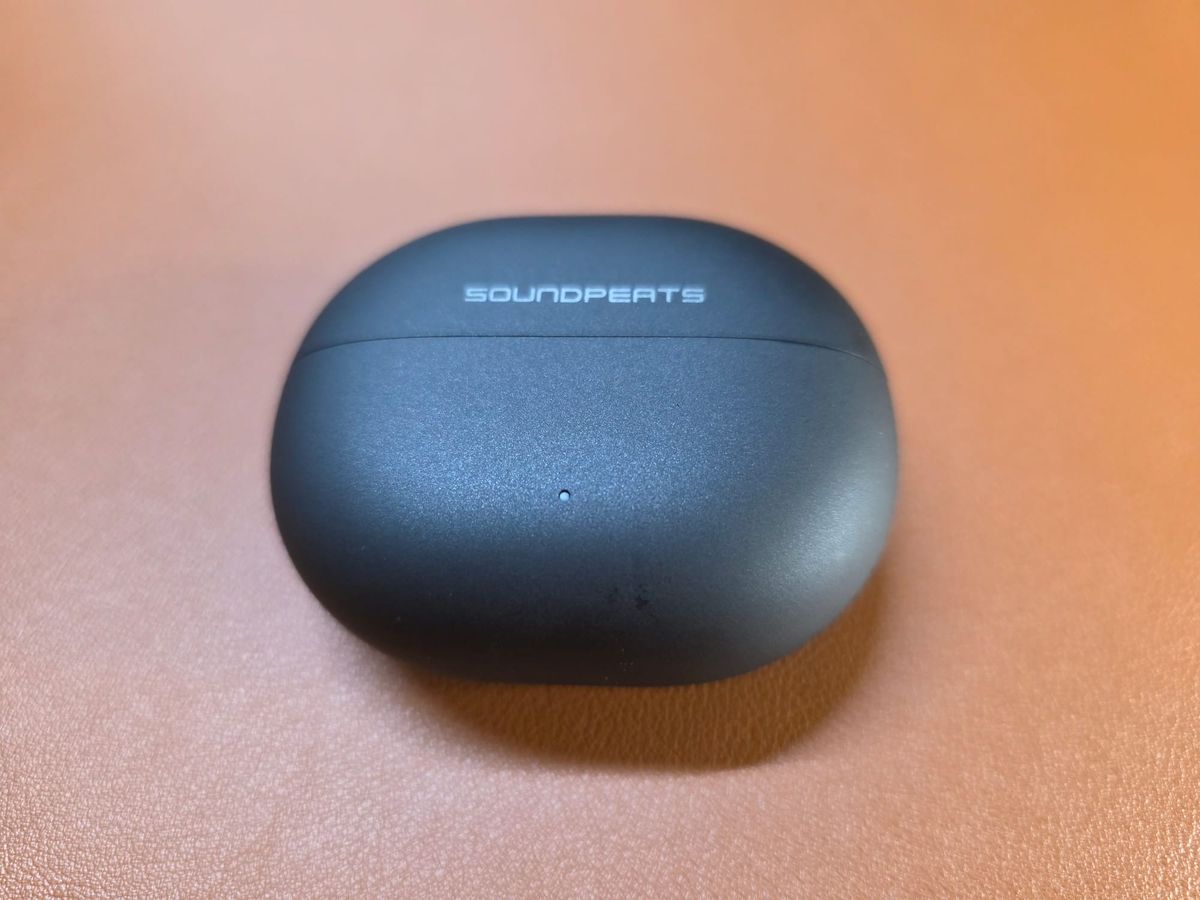
Amazon affiliate link (purchases help support this site at no extra cost to you, thanks!)
YouTube video review:
Introduction
Clipbuds have become very popular because of their easy fit and the ability to hear your surroundings. Where this style of earphone was once mainly the realm of the budget earphone, now you can pay top dollar for this form factor. SoundPeats has made clipbuds before and the Pop Clip 2 come in closer to the bottom of the budget range at about $50 (prices vary, especially on Amazon with coupons and sales constantly coming and going). It also used to be that clipbuds were very basic but now you have them with high-res audio certifications and advanced EQ settings to help tweak the sound as your ears hear fit.
Hardware Overview
Clipbuds have really settled into a form that is almost universally accepted; you have small dot that goes into your ear and bigger wedge that sits behind your ear to keep them in place. The controls are all on the wedge piece, which should mean you don’t have to drive the buds deeper into your ears to just manage your audio. It’s worth noting that placement of the buds in your ears dictates what kind of sound you’ll get and it’s very possible that some anatomies just won’t do well with this type of earphone. The closer you can get them to the opening of your ear canal, the more likely you are to hear the full spectrum of sound. If they are angled off just a little bit, the sound may be flat and lifeless. For this reason, I prefer traditional in-ear monitors for listening to music, but I do enjoy clipbuds for podcasts where the frequency response and thus the placement of the earphones is less critical. But for use outdoors when you want some music to accompany your jaunts, clipbuds will probably offer a more satisfying aural experience than bone conduction headphones. Just don’t blast the music so loud that you still can’t hear your surroundings and thus negate the benefit of the form factor.
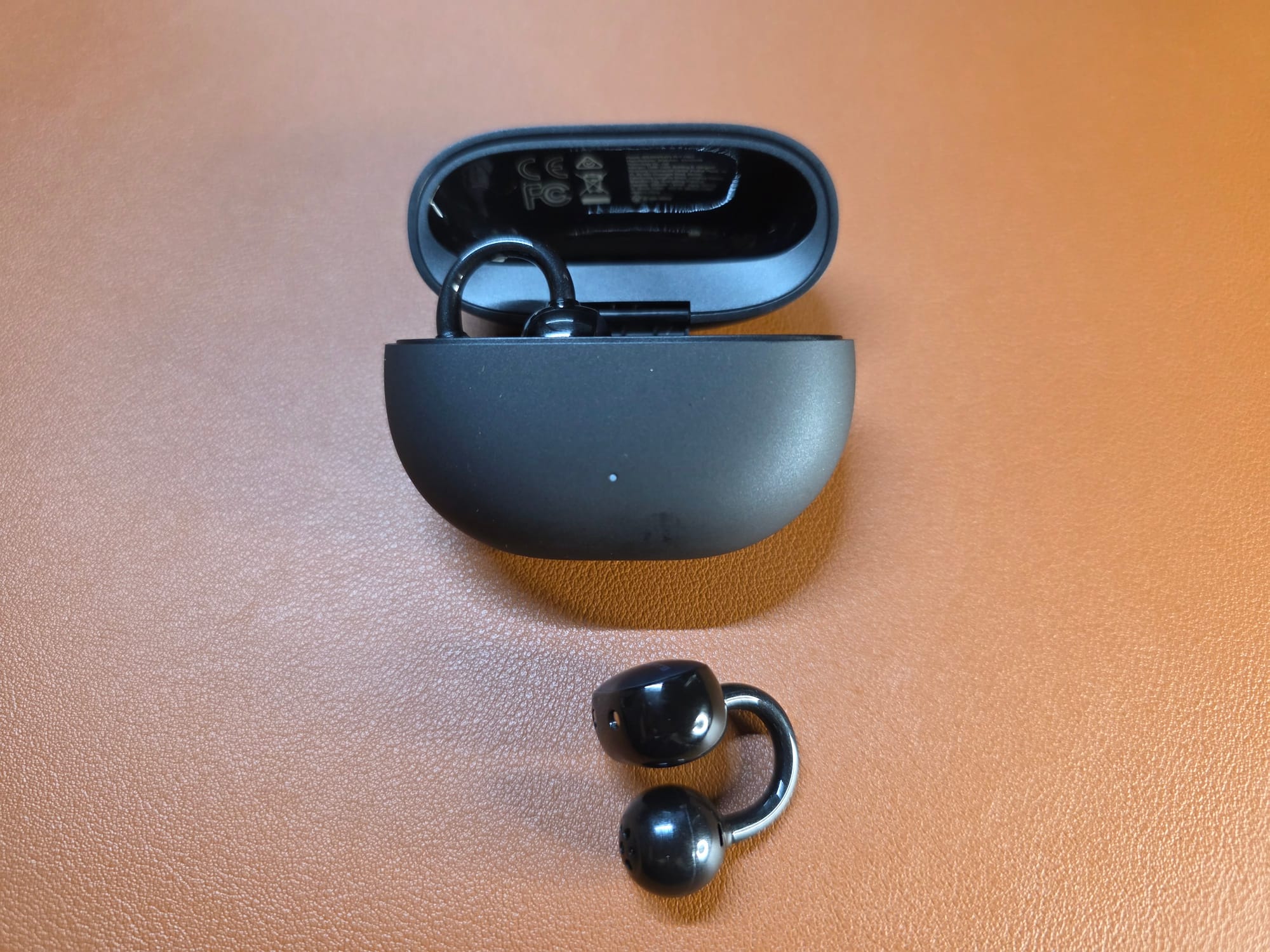
I found that the Pop Clip 2 were exactly as comfortable for my ears as the other clipbuds in my collection, but I did feel that they were perhaps a little less flexible in terms of their placement on my ears for the best sound. The shape of your ears will determine whether you get the best sound from this form factor and you really have to try them to know whether they will work for you.
Bluetooth Connectivity
Unlike many recent Bluetooth audio products, the Pop Clip 2 support Bluetooth 6.0 instead of the older 5.3 or 5.4. They are also high-resolution audio certified for wireless audio and support the LDAC codec. When listening to high-quality music files, having LDAC support can make a difference for attentive listeners or audiophiles. When using the Pop Clip 2, I didn’t have any connection issues or dropouts around my house.
Microphone Performance
As with almost every earphone I have tested, my voice comes across clearly in a quiet environment. When you introduce wind, the microphone performance drops off precipitously. For phone calls indoors, the microphones on the Pop Clip 2 will perform fine. When using them outside, you will want to try to shield them from wind. The box doesn’t indicate that they have any dust or water protection, so you will also want to shield them from rain.
Sound
I compared the Pop Clip 2 against the EarFun Clip 1. The sound of both is very similar and you need to really focus on the music to hear the differences. They have a similar frequency response with a fairly flat presentation that doesn’t really advance bass, midrange or highs above one another. The big difference is in clarity and texture. Bass and guitars sound a bit more realistic and a little less muddy on the Pop Clip 2. The highs on the Clip 1 are just a bit brighter but not so much that it’s sharp or painful. The Clip 1 has now been replaced in Earfun’s lineup with the Clip 2, but I haven’t reviewed those yet. BTW, if you have tried the SoundPeats Clip 1, the main difference is that the Pop Clip2 have a bit more bass and less air and space in the sound than the SoundPeats Clip 1.
Software Functionality
Unfortunately, the Peats Audio app requires an account. I have one as a result of having tested multiple SoundPeats products, but I still think it is a shame that you can’t just install the app and modify the sound and update the firmware without the hassle of signing away your email address and then having to remember yet one more password. Nevertheless, the Peats Audio app does allow you to pick from a range of 10 EQ presets or create your own with an 8-band equalizer. You can also set up an adaptive EQ preset by going through a hearing test. I’ve gone through this test before with other products, but it does not seem to have retained my preferences to apply to the Pop Clip 2. Other than changing settings, you can also enable/disable LDAC, which must be turned off for connection to multiple devices, and you can turn on game mode or Dynamic EQ. You can also program the controls to suit your liking. It’s a decent app for an inexpensive audio product. You don’t get ANC with earphones of this style, so it has pretty much everything you would expect and want.
Summary
The SoundPeats Pop Clip 2 are a solid product for their price; they offer good well-balanced sound with the ability to tweak quite a bit in the app, the microphone performance is acceptable, and the battery life and connectivity are average to above average in this genre and price bracket. If you are looking for a pair of clipbuds with some additional functionality, these might be a pair to consider.
Member discussion: